Create Sandbox for Magic Leap
About
Flagship first-party product for Magic Leap, launched on first-edition hardware worldwide.
Role
Lead Visual UI/UX Designer. Led visual design for Create's UI, defined guiding principles, OS-level interactions, and 3D interface patterns.
Awards & Patents
Auggie Award Winner 2019 — Best Game. Patents: D0879811, D892133
Magic Leap's flagship first-party product, launched on first-edition hardware worldwide. Goal: push the boundaries of spatial interfaces while developing reusable heuristics, components, and interaction frameworks for the developer ecosystem.
01
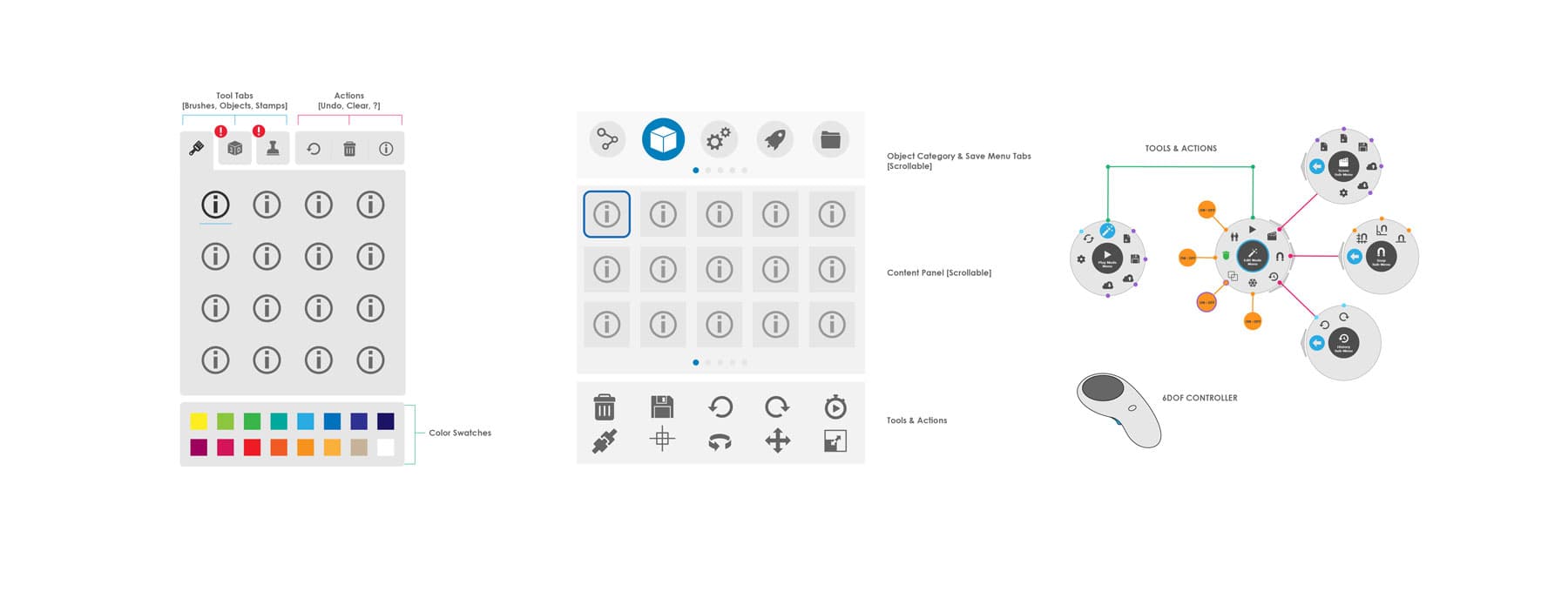
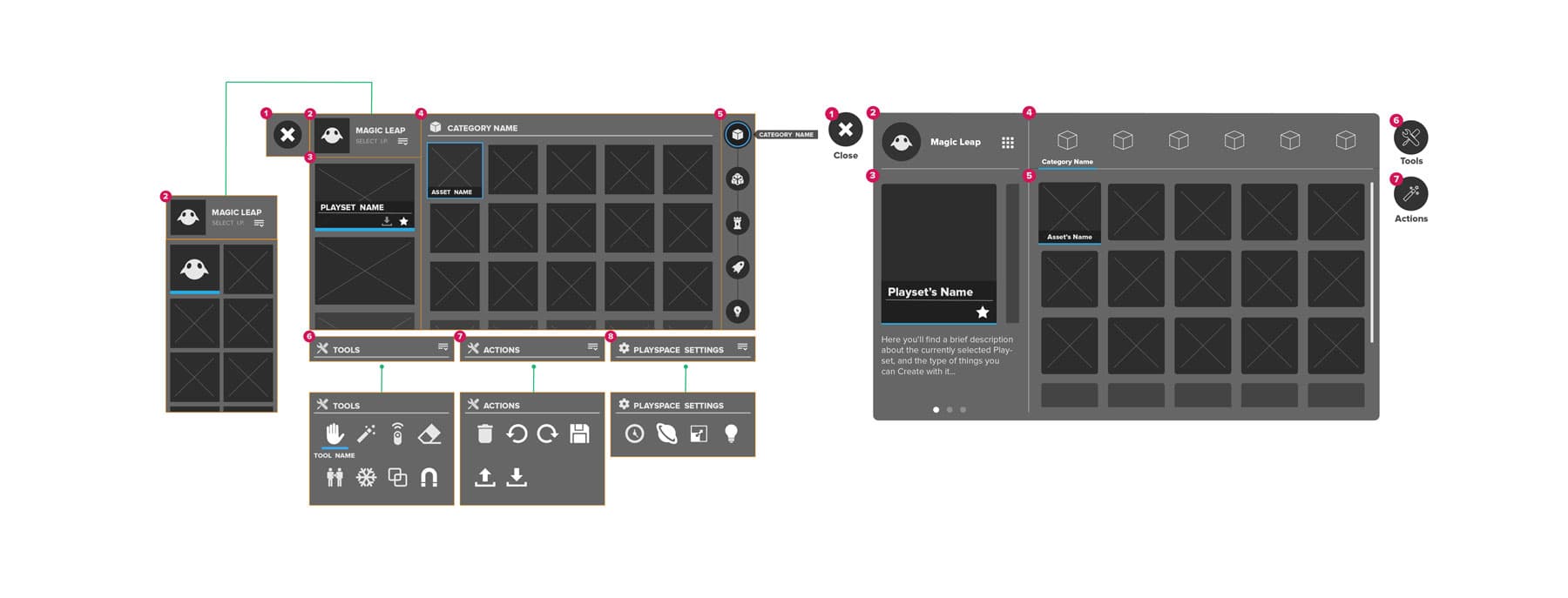
2D GUI Iteration
Initial explorations in 2D UI paradigms. The team quickly decided to leverage the platform's 3D nature and push beyond flat interfaces. Focus areas after 2D:
02
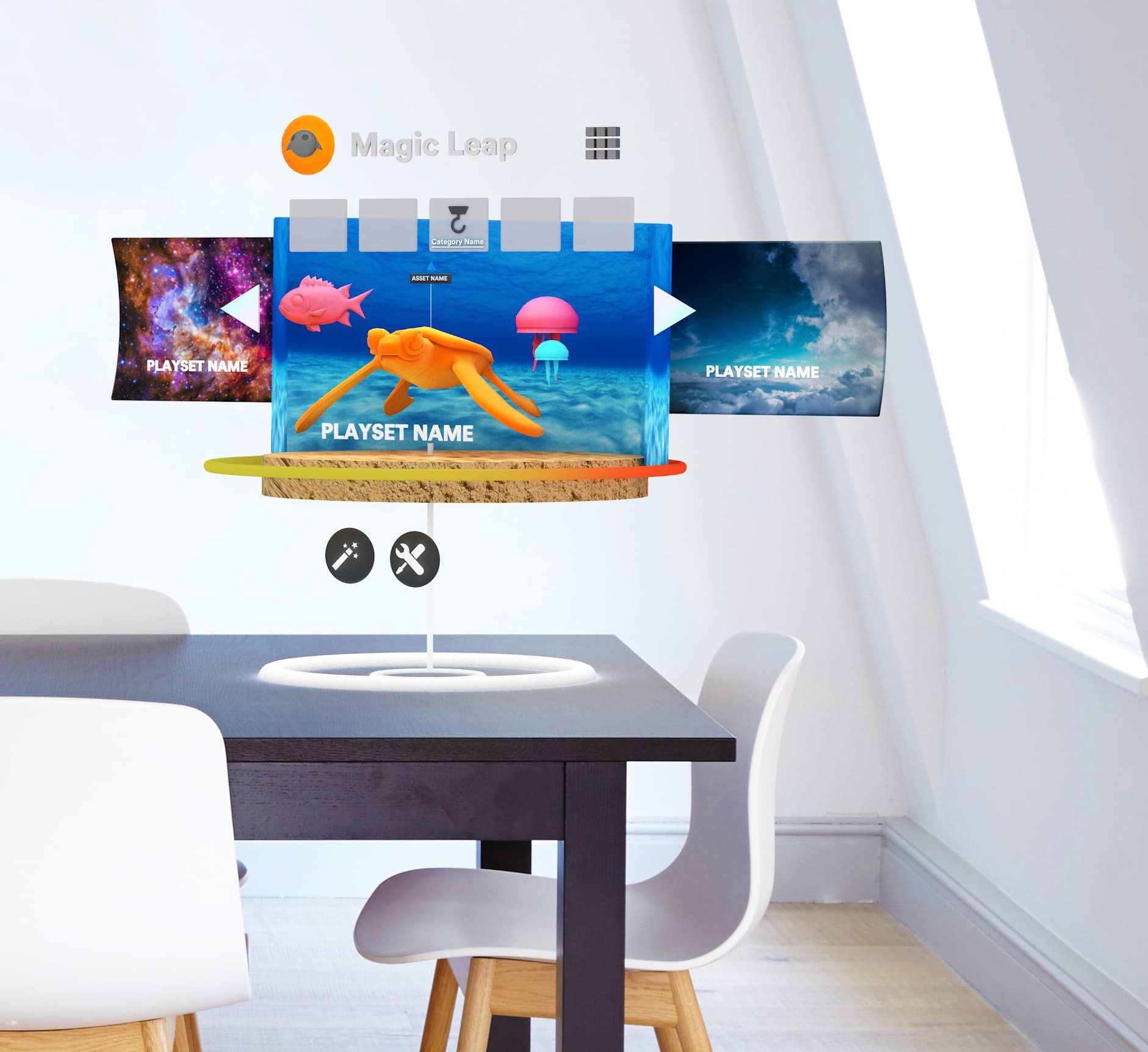
3D GUI Iteration
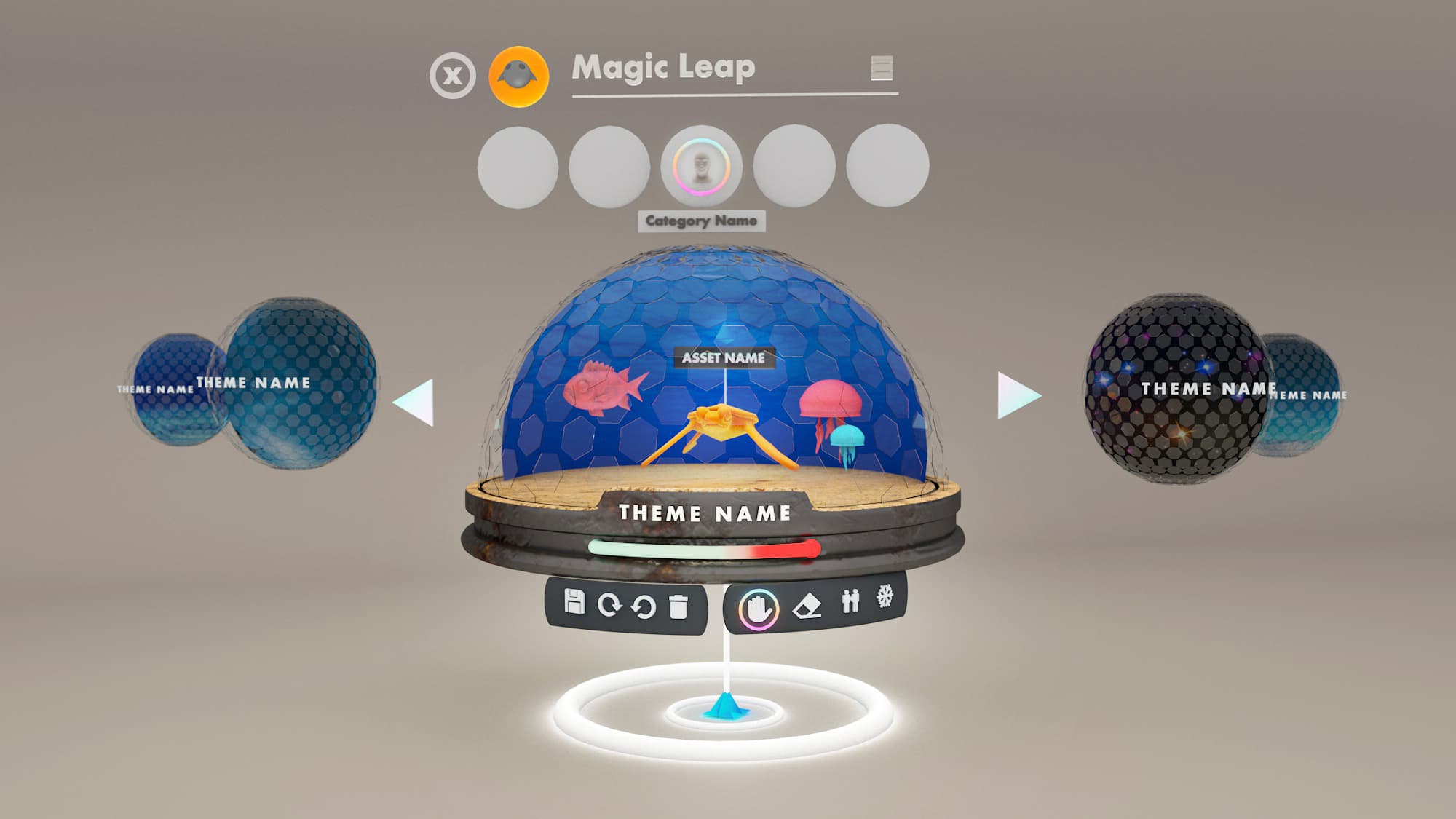
We explored presenting objects in ways that provoked curiosity, inviting users to appreciate details before placing them in space. User testing and system constraints (particularly the enforced clipping plane) led us away from this direction.
03
Create 1.0
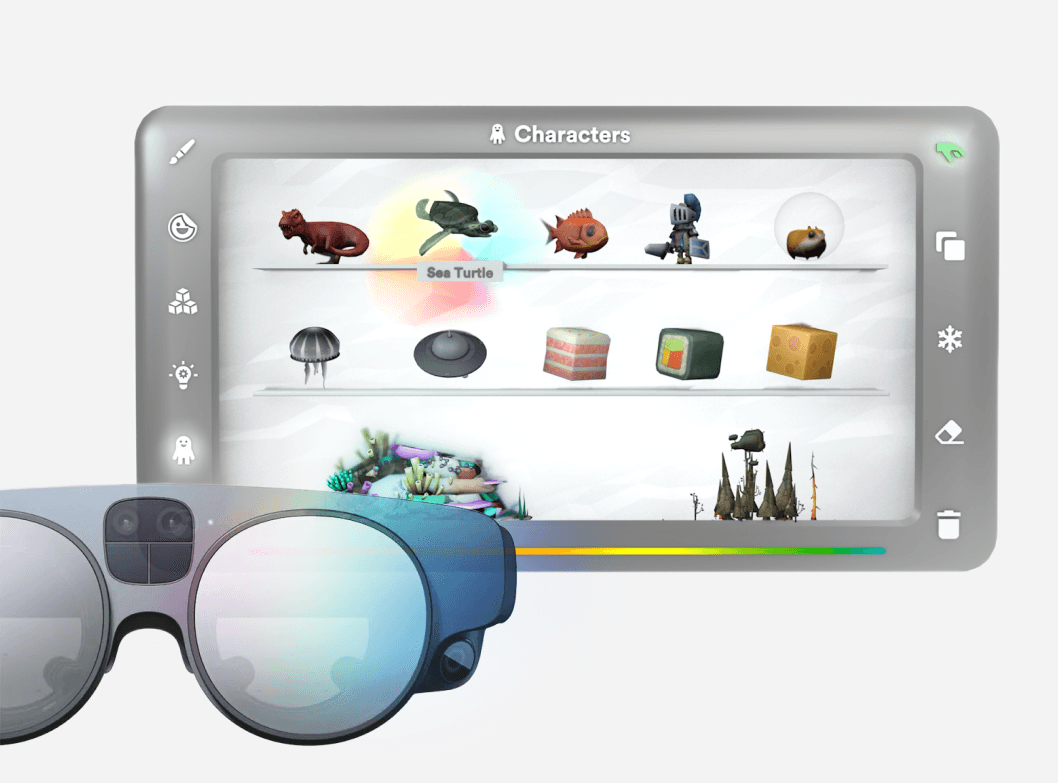
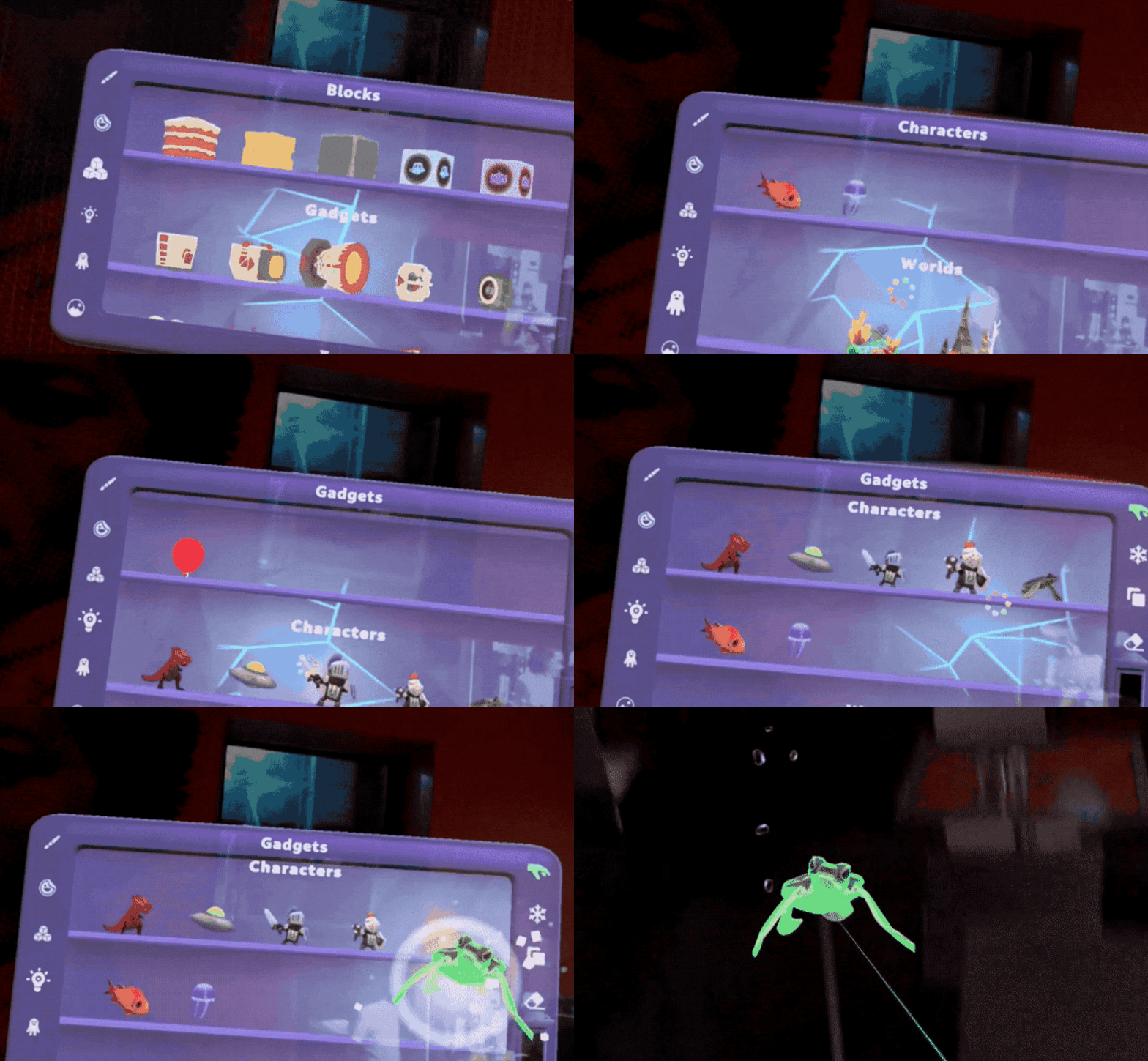
The final GUI for v1. Playtesting informed scale, body-centric placement, form, and iconography. We landed on a shelf-in-frame metaphor where form followed function. Objects display like collectible trophies users scroll through. Validated through playtesting to match users' mental model for spatial browsing.
04
Create 2.0
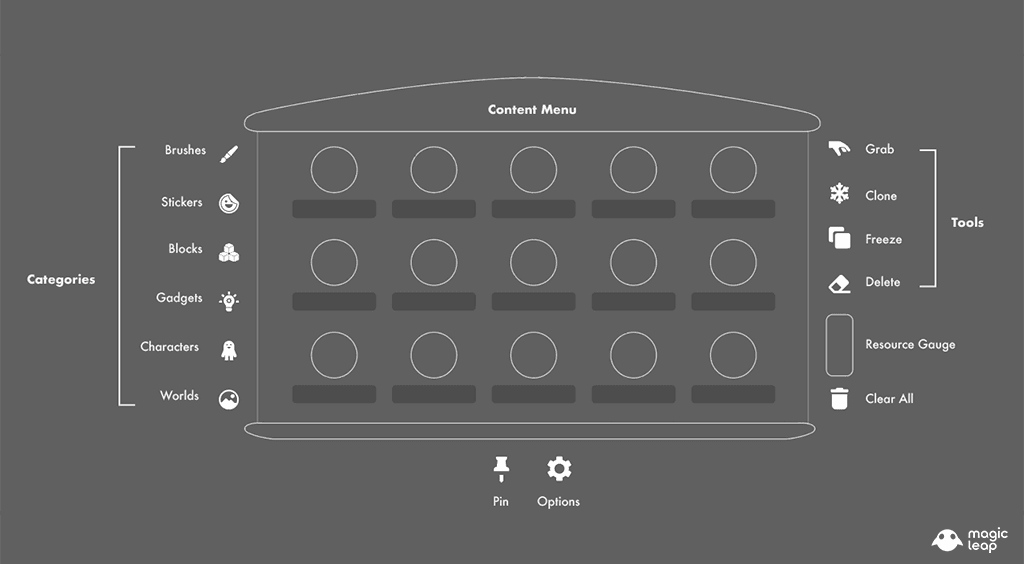
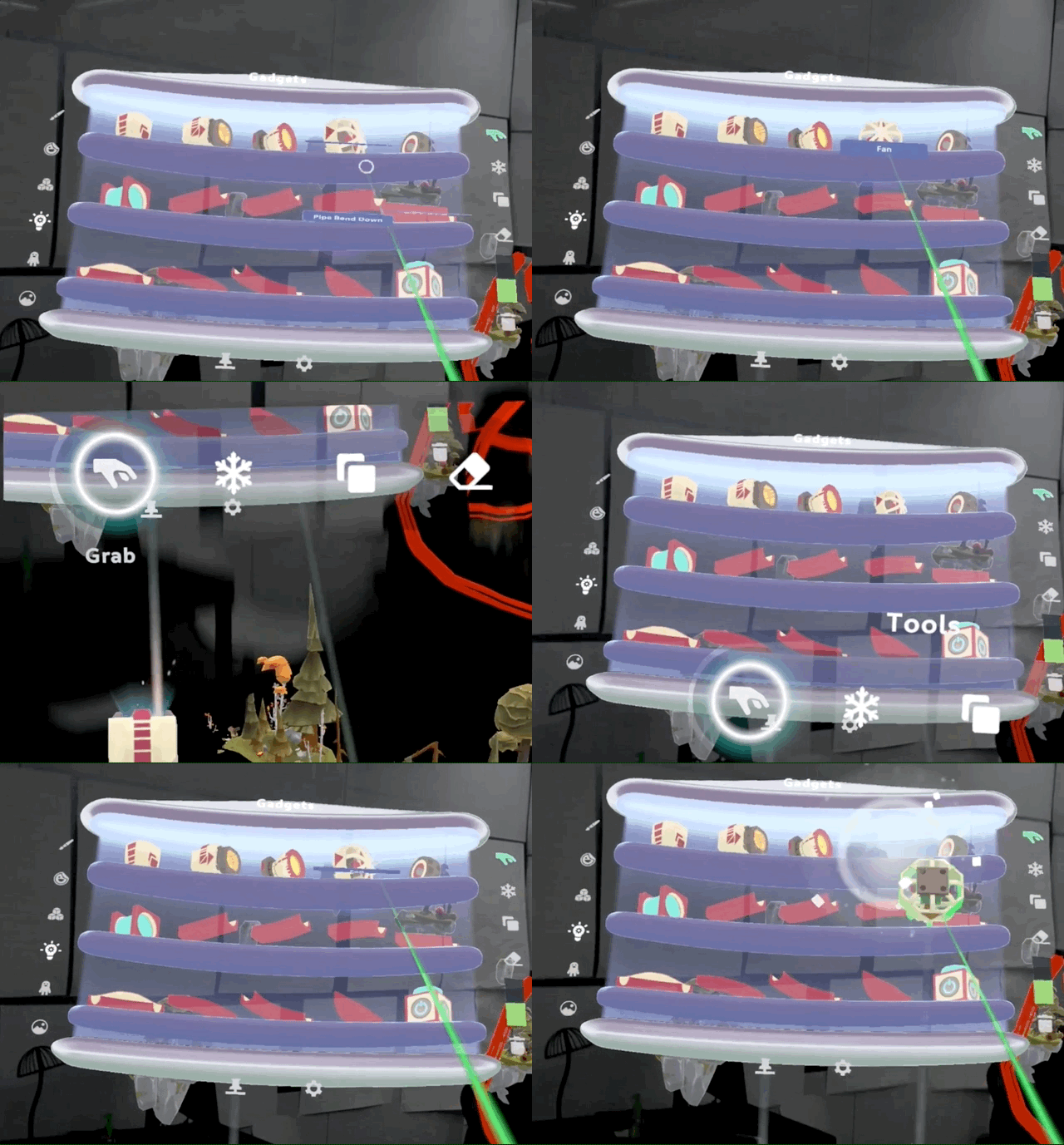
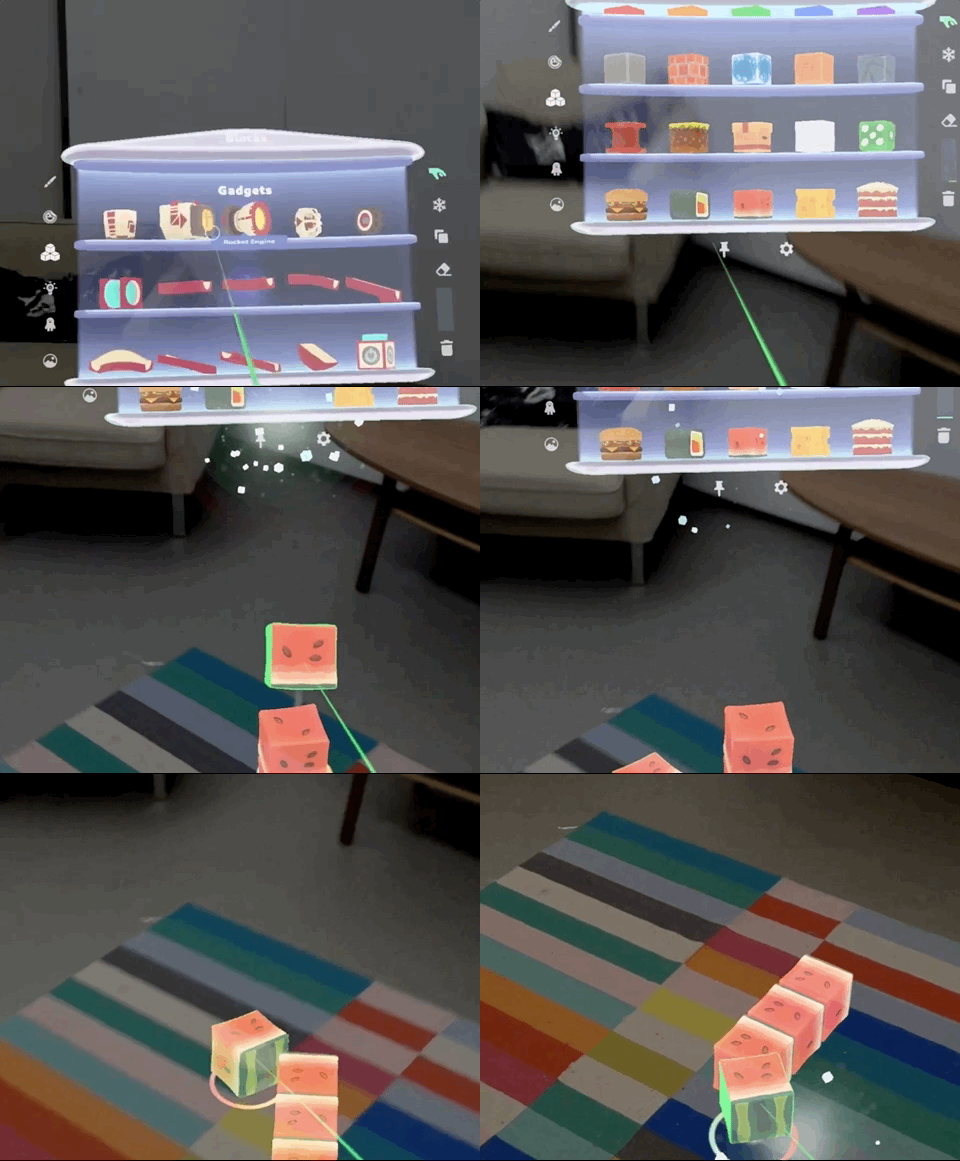
V2 took a more minimal approach based on user feedback. Simplified the form and introduced a portal metaphor for scrolling. A transparent shader kept the real world visible behind the menu.
05
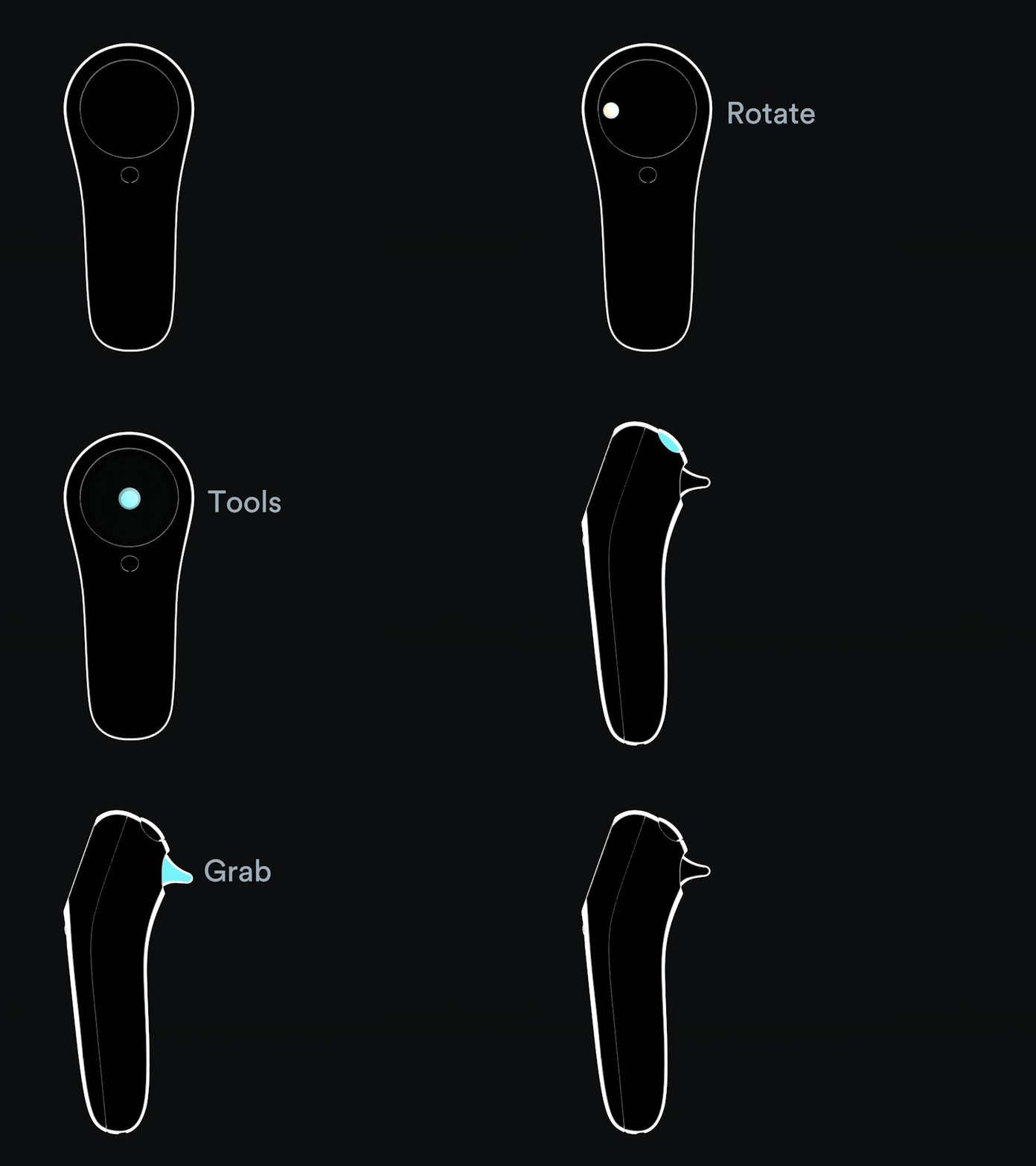
Inputs, Interactions & Affordances
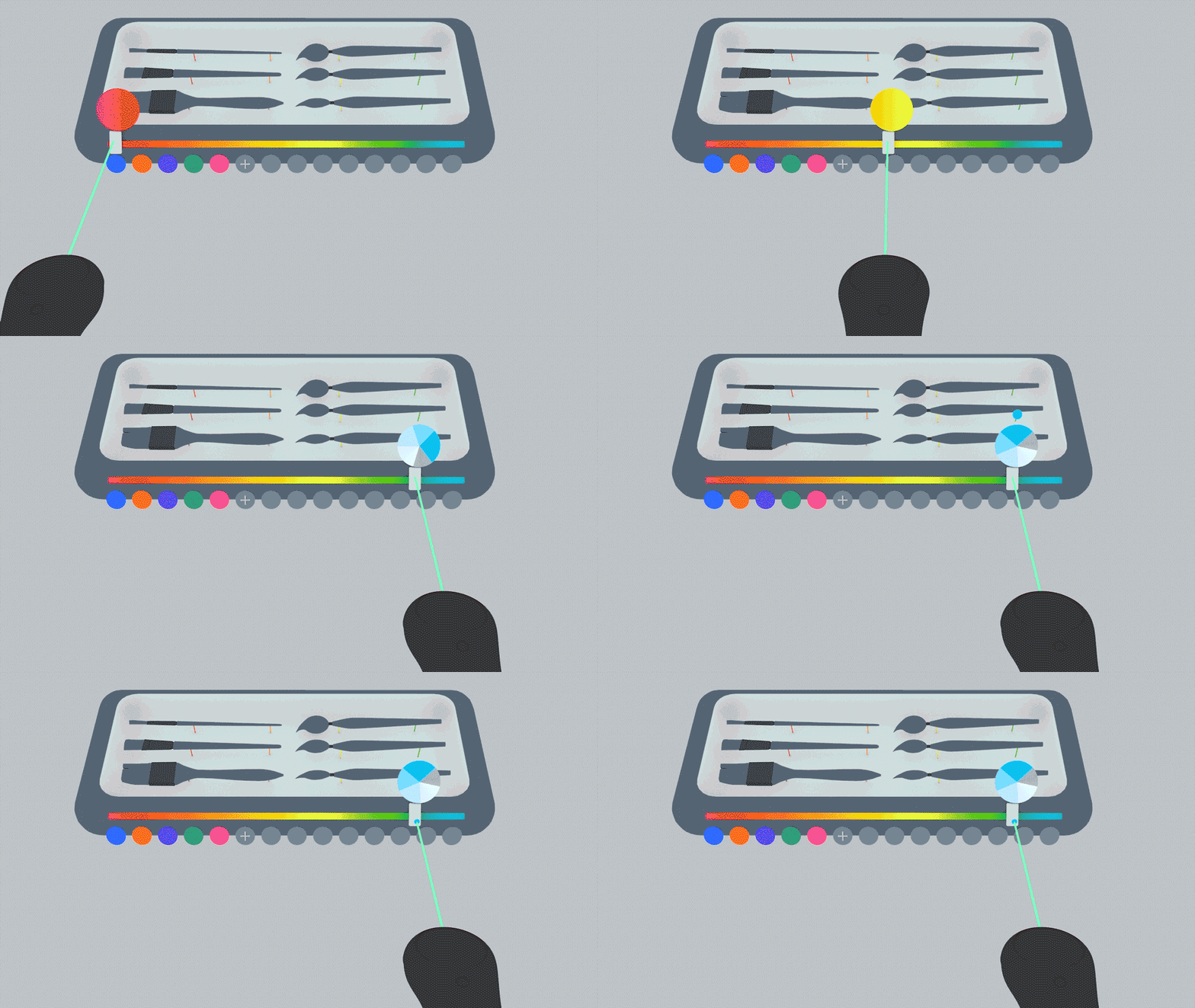
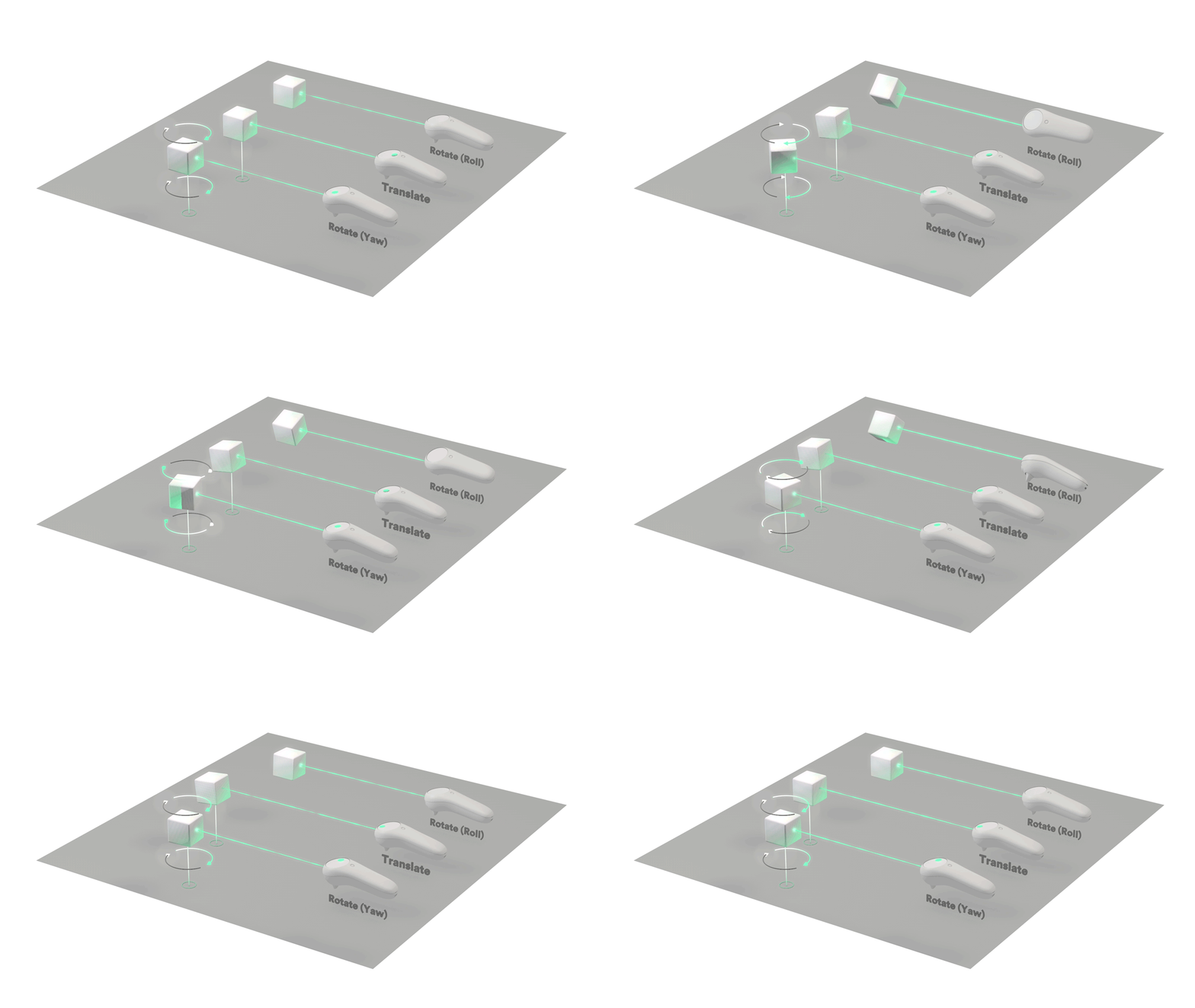
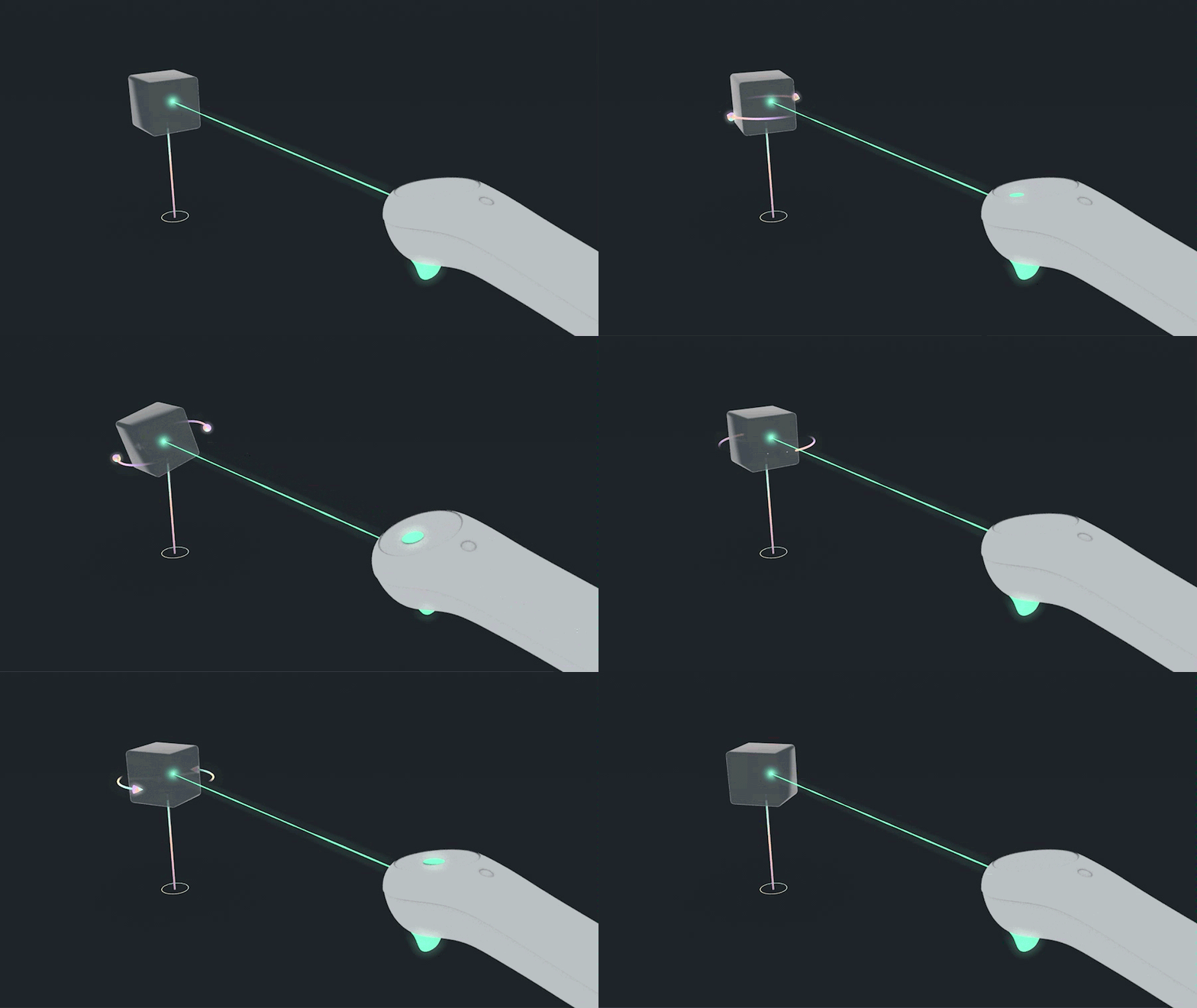
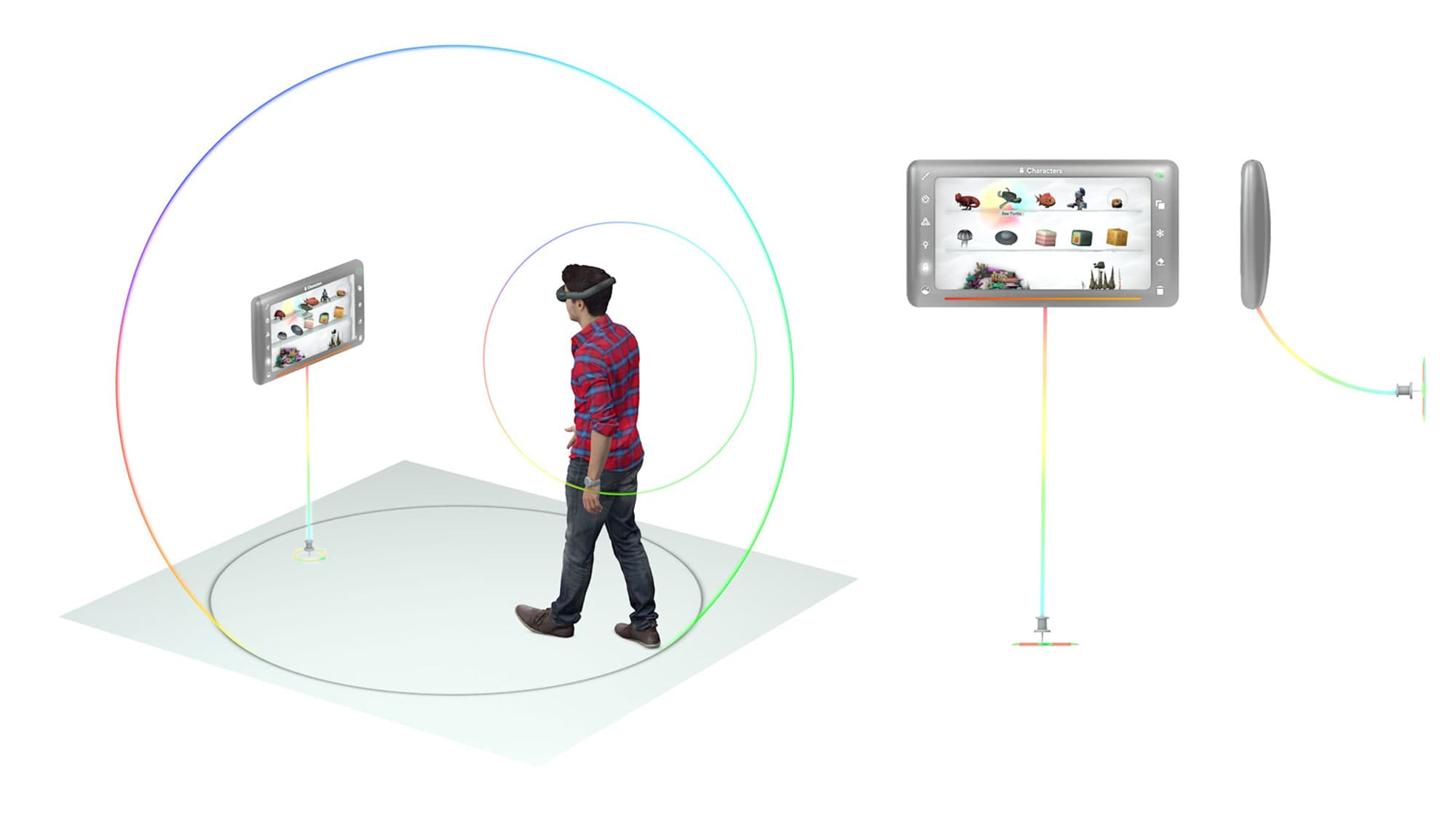
The controller was the primary input: lowest physical effort, widest range of capabilities. We also implemented in-world affordances for novel interactions with the user's physical surroundings.
06
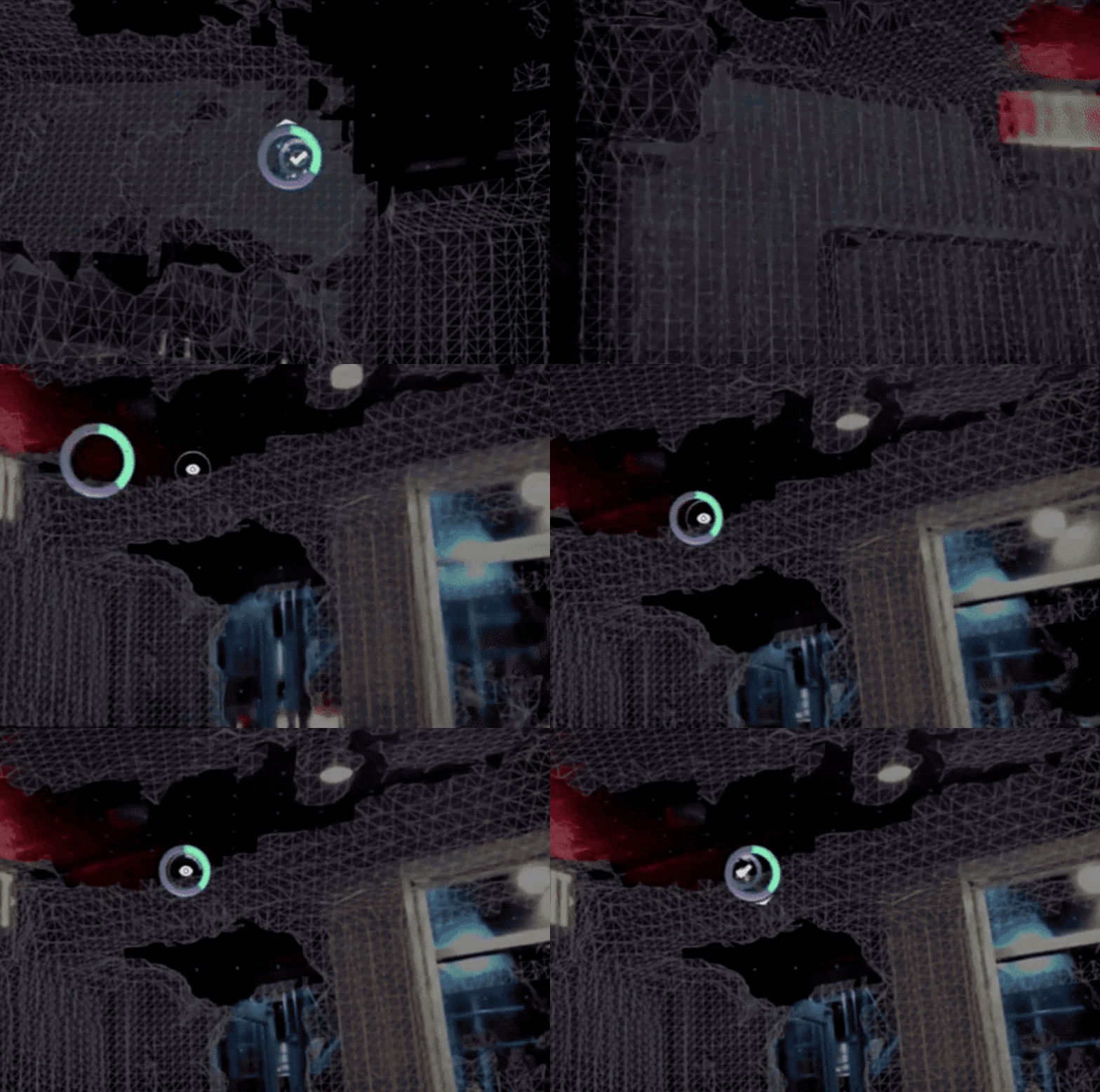
Meshing & First Time Onboarding Experience
Meshing was foundational to the experience. Create's physics relied on users scanning their space thoroughly. The onboarding had to make this process intuitive and rewarding.